Choose a budget unit
Count both generation attempts and accepted outputs. If you record only the clips you keep, the rejected attempts disappear from the cost calculation. A session ledger should show the displayed charge for each action and the resulting acceptance decision.
SpicyGen’s AI policy states that generation credits are consumed even when a result disappoints. Treat a retry as a separate decision, and read the relevant live refund and payment terms rather than assuming a rejected result restores a balance.
Calculate cost per accepted result
Suppose a hypothetical session spends 120 units on six attempts and accepts two clips. The average spend is 20 units per attempt and 60 per accepted clip. Those are invented figures for the calculation, not a current product tariff.
If no output is accepted, the cost per accepted clip is undefined, not zero. Keep the total spend and record that the session produced no accepted result. That is a more useful entry than hiding the session from an average.
Set a stopping rule before the next attempt
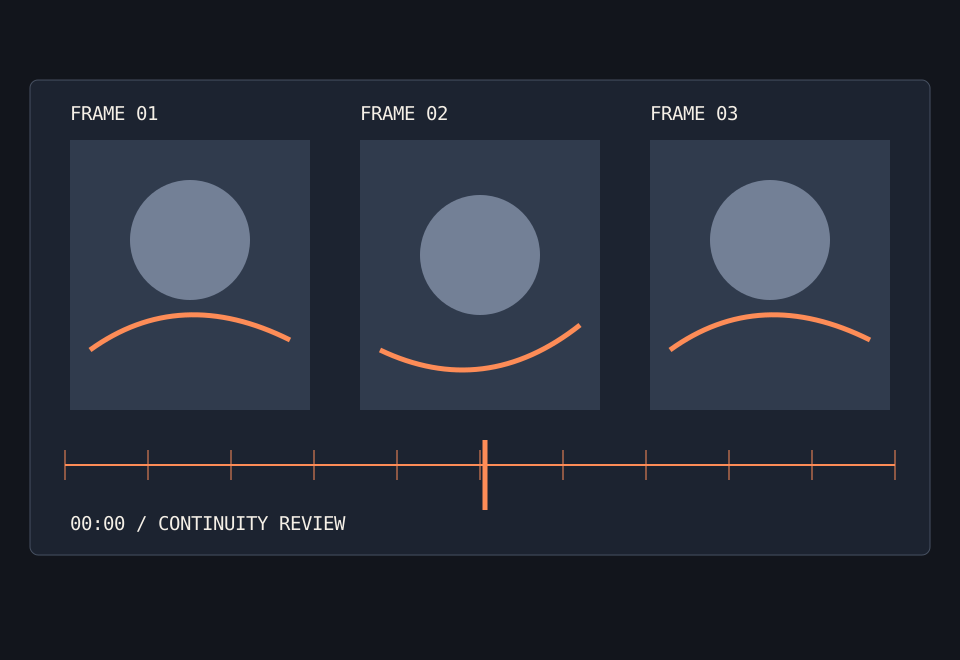
A stopping rule can combine a spend boundary, an attempt limit and a recurring defect. For instance, stop when a repeated continuity issue survives several controlled attempts. Do not increase the budget merely because you already spent part of it.
Change one visible setting at a time if the interface permits it. A retry that changes the reference, treatment and quality together may produce a different result, but it supplies little evidence about the cause.
Include account terms
The usable balance, purchase size, expiry and any recurring payment are separate questions. Record the amount actually charged, not an advertised percentage discount without its base price.
The calculator on this site uses your own numbers locally. It does not fetch prices, store a budget or create a generation request.
A practical record
| Hypothetical measure | Result |
|---|---|
| 120 units / 6 attempts | 20 units per attempt |
| 120 units / 2 accepted clips | 60 units per accepted clip |
| 120 units / 0 accepted clips | No accepted output; do not divide by zero |
A budget is a boundary for the session, not a reason to keep generating until a purchase feels justified.
Source checked October 8, 2026: SpicyGen AI policy and limitations. Product statements and independent evaluation methods are distinguished in this article.